Apps to Download Before Your Trip to China: The 2026 Checklist


Содержание статьи
- The China app checklist
- 1. Alipay: payments, taxis and mini-programs
- 2. Amap: the map I trust in China
- 3. DiDi: taxis without speaking Chinese
- 4. Trip.com: hotels, trains and an address in Chinese
- 5. A translator: the camera matters more than perfect pronunciation
- 6. A travel eSIM: so everything works after landing
- 7. WeChat and food delivery: do tourists need them?
- 8. Offline maps as a backup
- Before you fly: setup checklist
- FAQ
Short answer: before you fly, install and set up Alipay, Amap (AMap Global), DiDi (or use it inside Alipay), Trip.com, a translator with offline Chinese, and a travel eSIM. Add WeChat if you need to message hotels or hosts. The key is not just to download them but to log in, verify and test them at home.
Checked November 2026. App features and rules change, so check the store listing and in-app terms before your trip.
Affiliate disclosure: this article contains affiliate links. If you book through one of them, I earn a small commission at no extra cost to you.
I set up my apps at home. When you land, you want to get to your hotel, not hunt for an Alipay password.
The China app checklist
| Task | App | What to do before you fly |
|---|---|---|
| Paying, taxis, mini-programs | Alipay | Sign up with your phone number, verify your passport, link a card, find Pay and Scan |
| Maps and directions | Amap / AMap Global | Install, switch to English, save your hotel and key places |
| Taxis | DiDi (or Taxi inside Alipay) | Log in and check that payment works |
| Hotels, trains, tickets | Trip.com | Log in, add travellers exactly as in their passports, download confirmations |
| Translation | Any translator with offline Chinese | Download the offline language pack, test the camera |
| Internet | Travel eSIM | Install the eSIM profile at home |
| Messaging (optional) | Create the account early; it can ask for extra verification | |
| Offline backup | Organic Maps or Maps.me | Download the cities on your route |

1. Alipay: payments, taxis and mini-programs
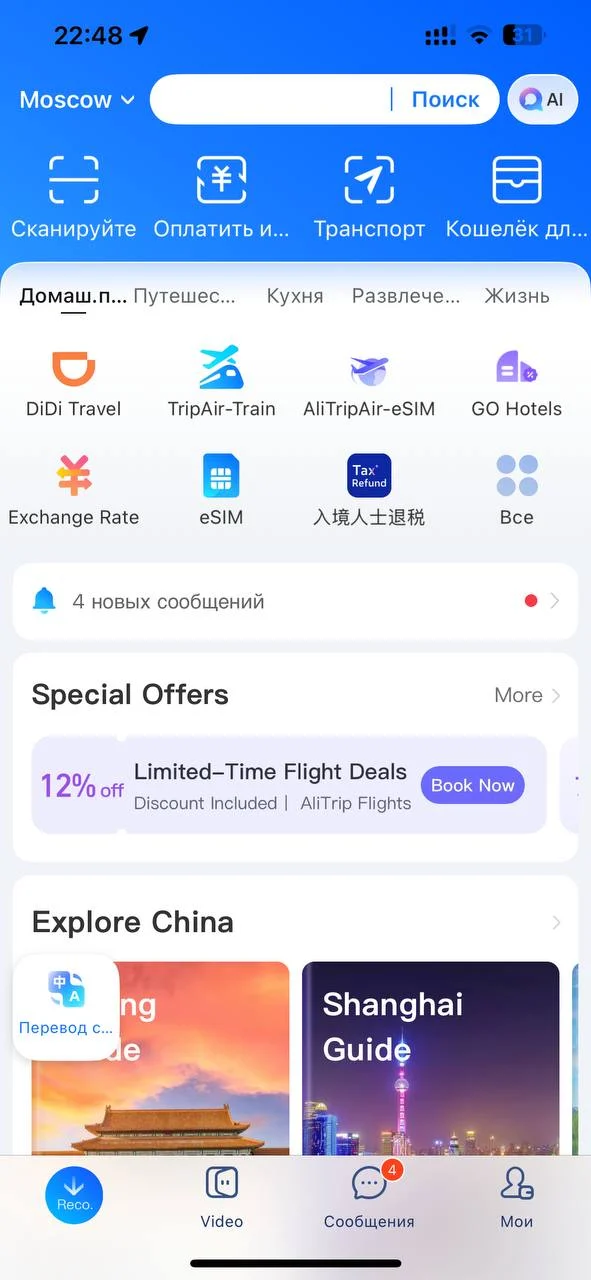
Alipay is the main app for visitors in China. You pay by scanning a QR code or by showing your own, and inside the app you can call a DiDi taxi and open transport and restaurant mini-programs. Install it first and learn two buttons: Pay and Scan.
What helps at home: register with your phone number (it has to receive SMS abroad), link a card, and do a practice run. I’d open Scan, Pay, your card list and your payment history once before the trip.
Official numbers worth knowing, from the Shanghai government’s payment page (checked November 2026):
- Visitors can link eligible cards issued outside mainland China to Alipay or WeChat Pay without a Chinese bank account.
- Limits for a foreign card: up to US$5,000 per transaction and US$50,000 per year. The app shows the limits for your account.
- Payments of 200 yuan or less are generally free of the platform fee. Above 200 yuan, a 3% fee on the full amount may apply. The payment page shows the fee before you confirm.
Full setup is in Alipay for foreigners and how to pay in China as a tourist.
2. Amap: the map I trust in China
Amap, also called Gaode Maps (高德地图), knows Chinese addresses, metro entrances, stops and routes much better than the Western maps you’re used to. Don’t make Google Maps your only navigation tool in mainland China.
The international version is called AMap Global in the App Store and Google Play. In July 2026 the Shanghai government wrote that Amap now offers services for international visitors in several languages, including English, and that the main services work without logging in. In August 2026 Amap announced ride-hailing in AMap Global with sign-in by phone numbers from 65 countries and regions. Some screens can still appear in Chinese, so keep camera translation handy.
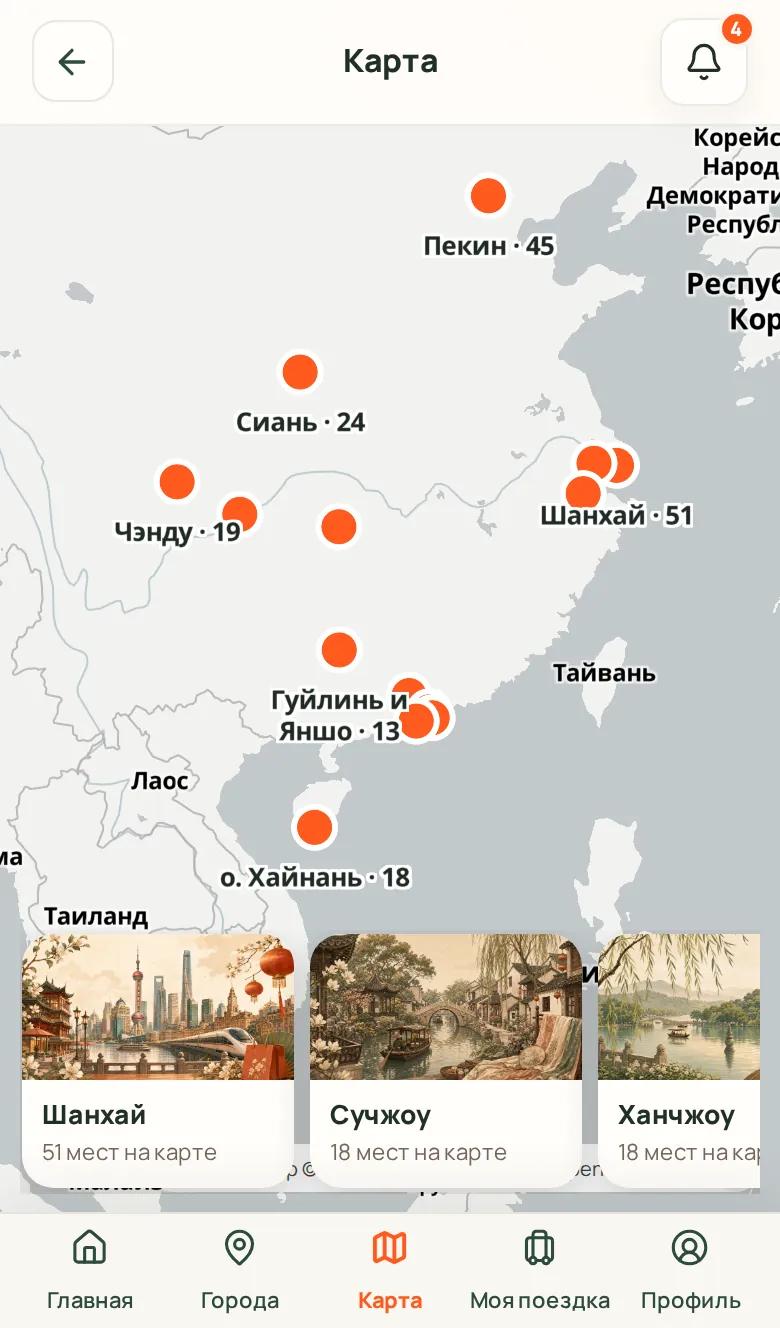
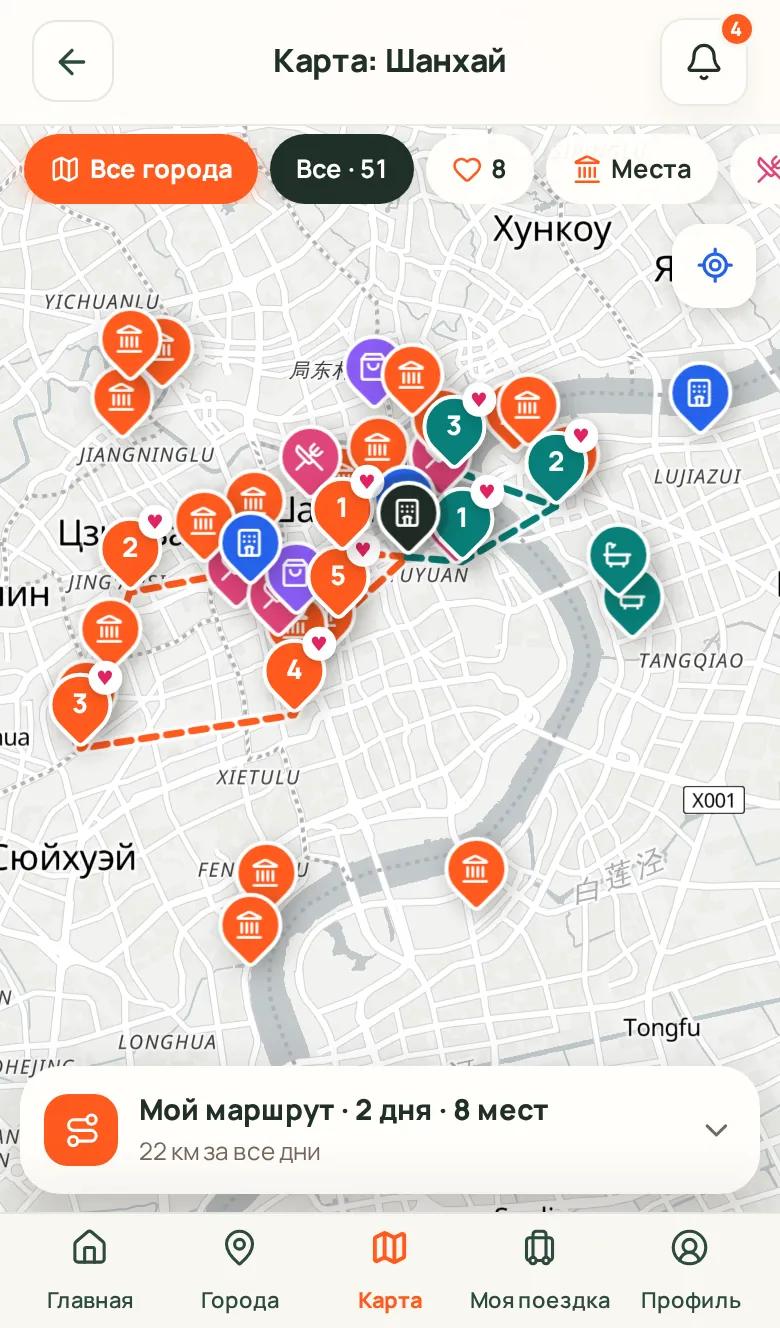
How I use it: I save places in advance and keep the hotels’ Chinese names in my notes. To get a taxi driver to the right place, open the place card in Amap and simply show the screen. The driver reads the map and the Chinese name, and you don’t have to pronounce anything. Download offline maps for your cities too, because signal can drop in the metro.
3. DiDi: taxis without speaking Chinese
DiDi is China’s main ride-hailing app. You can install DiDi separately or open the Taxi service inside Alipay. Before you confirm, you see the estimated price, then the car’s plate number and the pickup point.
For a first ride I’d use DiDi inside Alipay: you already need Alipay for payments, so you don’t create another account at the airport. The in-app chat translates messages, which is easier than a phone call. Write short phrases like «I’m at exit 3».
We got around mostly by metro and used taxis for late evenings and luggage. More in my DiDi guide.
4. Trip.com: hotels, trains and an address in Chinese
Trip.com is where I book most of my China trips. It has an English interface, hotels, train and flight tickets, and attraction tickets in one account. A booking card also shows the hotel’s name and address in Chinese, which you can show a driver.
Before you fly, add every traveller exactly as written in their passport. Train tickets and many attraction tickets are tied to the passport number.
Open Trip.com to plan your China trip →
5. A translator: the camera matters more than perfect pronunciation
Download the offline Chinese pack and test camera translation. Menus, signs at bus stops and instructions on machines come up far more often than long conversations.
A translator can also confidently invent a meaning. Once a simple price sign for mangoes, 三块一斤 (3 yuan per jin, about half a kilo), came out as something about «three pieces of mango for every pie». Short, simple phrases work better than a long, beautiful paragraph, and double-check anything about prices or food.
6. A travel eSIM: so everything works after landing
All these apps need mobile data. A travel eSIM connects to Chinese networks as a roaming line, and on mine Google, Telegram, WhatsApp and my usual apps opened without anything extra. Hotel and airport Wi-Fi are local networks, so blocked services stay blocked there.
I buy the eSIM at home and switch it on at the gate before departure. After landing I choose the travel eSIM for mobile data and turn on Data Roaming for it. Details are in best eSIM for China.
See the eSIM I used on Trip.com →
7. WeChat and food delivery: do tourists need them?
For a short trip, WeChat isn’t essential if you already have Alipay. It’s useful for talking to an apartment owner, a hotel or a new friend, and for adding someone by QR code instead of swapping numbers. Registering a foreign account may need an extra verification step, so create it early and don’t count on finishing it in five minutes after landing.
Food delivery through Meituan and similar Chinese services is possible, but it needs an exact address, a Chinese interface and a way to talk to the courier. I wouldn’t start a holiday by signing up for every Chinese super-app. First Alipay, a card, taxis and internet. Everything else when you actually need it.
8. Offline maps as a backup
An offline map helps if your eSIM hasn’t connected yet or your data runs out. Download your cities in Organic Maps or Maps.me and pin your hotel, the airport and the train stations.
Before you fly: setup checklist
- Log in to every app and confirm your phone number.
- Make sure your home SIM can receive SMS while roaming, for app and bank codes.
- Set up Alipay and test that your card is accepted.
- Add travellers in Trip.com exactly as in their passports.
- Save your hotel’s address in English and Chinese.
- Download offline maps and the offline Chinese language pack.
- Save screenshots of bookings and tickets.
- Install your eSIM and plan a backup way to get online.
FAQ
What apps do I need for China?
The minimum is Alipay, Amap, Trip.com, a translator with offline Chinese, and a travel eSIM. DiDi works inside Alipay. Add WeChat for messaging.
Does Google Maps work in China?
Even when you can open it, don’t rely on it alone in mainland China. Amap (AMap Global) knows local addresses, metro entrances and routes much better.
Is Amap available in English?
Yes. AMap Global has an English interface, and the Shanghai government says the main services for visitors work without logging in. Some screens may still be in Chinese.
Can I download the apps after I arrive?
You can install some of them there, but registration, SMS codes and app store access can let you down. It’s safer to download, log in and update everything before the trip.
Do I need a Chinese phone number for Alipay or DiDi?
No. Alipay accepts an international number that can receive SMS. DiDi also works with a foreign number, or you can open it inside Alipay.
ПУТЕШЕСТВИЯ PEROKSA
Больше маршрутов и материалов о путешествиях
Бюджеты, маршруты и личный опыт — без воды и с реальными цифрами.
Смотреть все материалы →